



Quick Login Redirect
Automatic redirects after Joomla login
Send users straight to the right place after they sign in. Choose which Joomla menu item each user group opens on the frontend and which component it lands on in the backend.
Free with up to three group rules · Pro for €19 per year
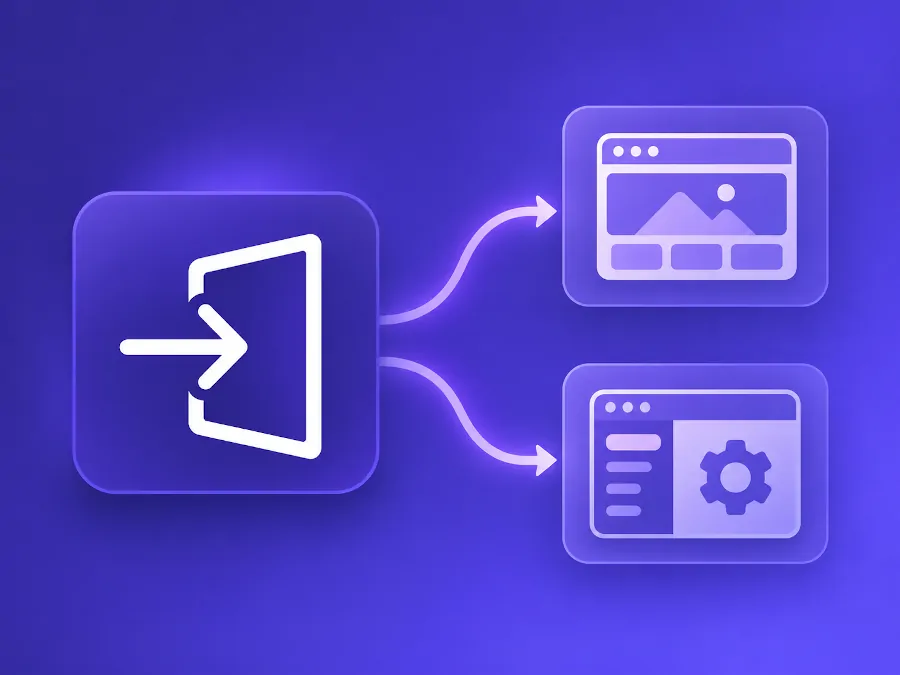
Give users the right starting point after login
Quick Login Redirect handles redirects for your website and the Joomla administrator area in a single plugin.
On the frontend, you can send members to their dashboard or take customers straight to their downloads after they sign in. In the backend, your editorial team can start directly in the Articles component.
Set up frontend and backend rules in separate tabs. After a successful login, the plugin checks the rules for that area and uses the first matching rule with a destination the user can access.
Where should users land after signing in?
Member areas
Send members to their dashboard or the landing page of your members-only area.
Customer downloads
Take customers straight to the menu item for their downloads after they sign in.
Editorial and admin teams
Send your team straight to the backend component they use every day.
How to set up a login redirect
You need a Joomla user group and a destination in the area you want to configure.
Free includes up to three rules in total. For example, you can set up two frontend rules and one backend rule.
Open the Frontend or Backend tab in the plugin settings.
Choose the Joomla user group the rule should apply to.
Select a menu item for the frontend or a component for the backend.
Test the redirect using an account in the selected group.
More rules and flexible destinations
With Pro, you can set login destinations for individual users and groups. When several rules match, their order determines which destination is used.
Rules for individual users
Set custom login destinations for selected users on the frontend and in the backend.
Unlimited rules
Create as many rules as you need for either area.
Custom frontend links
Choose a Joomla menu item or enter a custom link relative to your Joomla installation directory.
Priority by rule order
Place an individual user rule above a group rule to check that user's personal destination first.
Which edition fits your website?
Free supports up to three group-based redirects. With Pro, you can create unlimited rules for groups and individual users.
For sites that need to send user groups to specific destinations after login.
Download for freeThe download is available in your account after you sign in.
Included in Free
- Redirects after successful frontend and backend logins
- Up to three group rules in total, shared across both areas
- Joomla menu item as a frontend destination
- Joomla component as a backend destination
- Separate settings for the frontend and backend
For sites that need more rules, per-user destinations or custom frontend links.
Buy ProEverything in Free, plus
- Unlimited rules for the frontend and backend
- Individual user rules for the frontend and backend
- Custom internal links as an additional frontend destination
- Control over priority through rule order
Frequently asked questions
Can I configure the frontend and backend separately?
Yes. The plugin has separate tabs for both areas. It checks the corresponding rules depending on where the user signs in.
How many rules can I create in Free?
Up to three group rules in total. You can use all three in one area or split them between the frontend and backend.
What happens if a user belongs to several groups?
The plugin checks the rules for the login area and uses the first matching rule whose destination the user can access.
What destinations are available in Free?
Choose a Joomla menu item for the frontend or a Joomla component for the backend.
What happens to my rules when I upgrade from Free to Pro?
Install Pro over your existing Free installation. Your existing rules are preserved.
Free edition
Group-based login redirects for the frontend and backend in Joomla 5 and 6.
Pro edition
Unlimited group and individual user rules for the frontend and backend, plus custom frontend links.
Set up your first login redirect
Start with free group rules or choose Pro for individual login destinations and unlimited rules.