



Quick Google Fonts Eraser
Reliably remove external Google Fonts from Joomla
Prevent your Joomla website from loading fonts from external Google servers. Quick Google Fonts Eraser automatically removes known Google Fonts integrations and helps you reduce privacy risks – without modifying the Joomla core or your template.
€15 per year or €65 one-time
Remove Google Fonts from Joomla – automatically and without template modifications
Many Joomla templates, frameworks and extensions load fonts directly from Google servers. This can create a connection to external services as soon as a page is opened.
Quick Google Fonts Eraser was specifically developed to automatically detect and remove known external Google Fonts integrations in the Joomla frontend. The plugin works in the background and does not require manual changes to template, core or extension files.
This saves time, reduces maintenance work and lowers the risk of removed integrations reappearing after an update.
You can optionally host your own fonts locally on your webspace and preserve the desired design without contacting external Google servers.
Why external Google Fonts can be a problem
When fonts are loaded from Google servers, the visitor’s browser creates an external connection when opening the website. Technical data such as the IP address may be transmitted.
External connection
The browser loads font files or stylesheets from Google domains instead of your own server.
Transmission of technical data
External requests may transmit data such as the IP address and browser information.
Different sources
Google Fonts can be integrated by templates, frameworks, page builders or extensions.
Difficult to check manually
Not every integration can be found directly in the template settings or visible source code.
Changes after updates
Manually removed integrations may be re-enabled by template or extension updates.
Additional loading requests
External requests can slow down page loading and create dependencies on third-party providers.
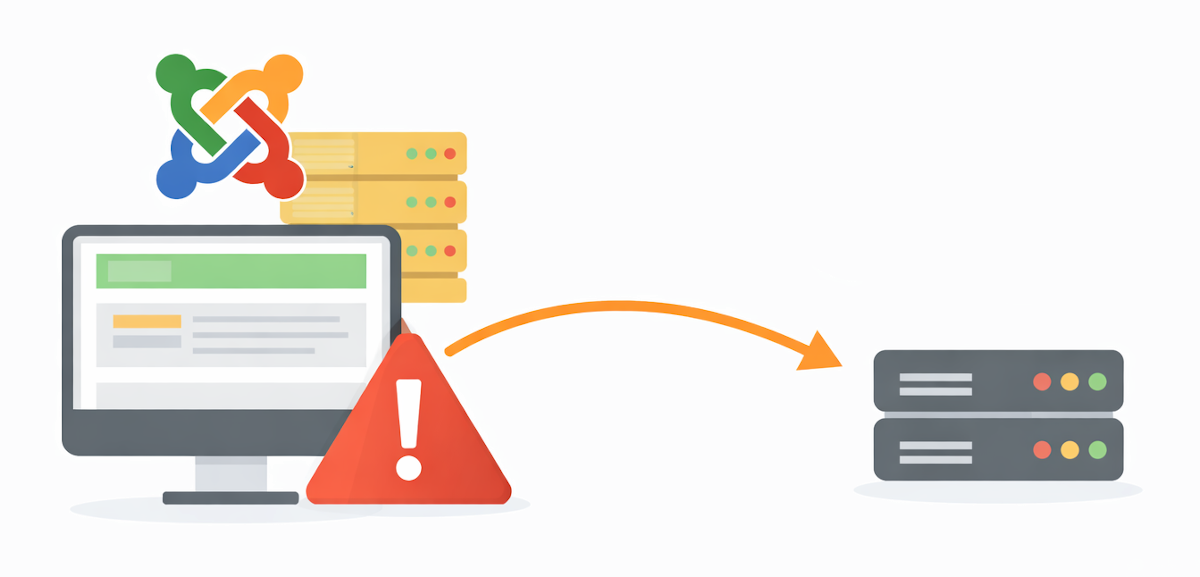
Install, enable and block external Google Fonts
Quick Google Fonts Eraser is intentionally easy to use. After installation, enable the system plugin and select the desired operating mode.
The plugin scans the output of your Joomla website for known external Google Fonts references and removes them before the page is delivered to the browser.
- No Joomla core modifications required
- No template overrides required
- No manual search through numerous files
- Configurable directly in the Joomla backend
- Works automatically in the background

Remove or comment out Google Fonts integrations
Depending on the level of control you prefer, detected Google Fonts requests can be removed completely or replaced with a comment in the HTML source code.
The right method for your website
Choose how detected Google Fonts integrations should be processed.
In Remove mode, matching references are completely removed from the page output. In Comment mode, the plugin replaces the detected integration with a visible note in the source code.
Detected external Google Fonts integrations are removed from the HTML.
The source code shows that Quick Google Fonts Eraser has processed the integration.
Debug information helps you inspect special or unusual integrations.
Detect unusual integrations with Debug mode
Joomla templates and extensions can integrate Google Fonts in different ways. Debug mode helps you investigate cases where an external reference is not removed as expected.
This makes it easier to narrow down problematic integrations and investigate the cause.
- Display additional processing information
- Identify unusual integrations more easily
- Support checks for template and extension conflicts
- Enable when needed and disable again after testing
A low-maintenance solution for Joomla websites
Quick Google Fonts Eraser automates a task that can quickly become time-consuming and error-prone when performed manually.
Automatic removal
Known external Google Fonts requests are automatically processed in the frontend.
Template-independent
The plugin works independently of your template settings.
Update-safe
No core, template or extension files are overwritten.
Fewer external requests
Blocking external font requests can prevent additional connections.
Local fonts supported
Your own font files can be hosted locally independently of the plugin.
Ready to use quickly
Installation and activation work like any other Joomla system plugin.
Everything you need to automatically remove external Google Fonts
Remove Google Fonts
Blocks known external Google Fonts requests in the Joomla frontend.
Process links
Removes detected Google Fonts stylesheets from the HTML head.
Process scripts
Checks known integrations added to the output through scripts.
Block @import
Processes known Google Fonts requests added through CSS import statements.
Comment mode
Optionally replaces removed references with a traceable source code comment.
Debug mode
Supports the analysis of special integrations and potential conflicts.
Manual modification or Quick Google Fonts Eraser?
Google Fonts can also be removed manually. However, this often depends on the template and must be checked again after changes or updates.
System requirements
Before installation, check whether your website meets the required conditions.
Detailed documentation
The documentation explains installation, activation, plugin settings, functional testing and how to handle special Google Fonts integrations.
Choose the right license
Choose the affordable annual license or get permanent access to downloads and updates with the Lifetime License.
All features, updates and premium support for one year.
Buy Annual LicenseIncluded in the Annual License
- All extension features
- One year of downloads and updates
- One year of premium support
- Automatic updates with a Download ID
- Use according to GNU/GPL
Lifetime access to downloads and updates plus one year of premium support.
Buy Lifetime LicenseIncluded in the Lifetime License
- All extension features
- Lifetime access to downloads
- Lifetime updates
- One year of premium support
- One-time payment with no renewal
Technical support – not legal advice
Quick Google Fonts Eraser helps you technically block external Google Fonts requests and reduce privacy-related risks. However, the extension does not replace an individual legal review or legal advice.
As a website operator, you should check after installation and after Joomla, template or extension updates whether external connections to Google Fonts domains are still being made. The plugin cannot modify content inside externally embedded iFrames.
Questions and answers
What are the benefits of Quick Google Fonts Eraser?
The plugin automatically removes known external Google Fonts integrations from the output of your Joomla website. This means you do not have to manually search and modify every template or extension file.
Can I simply remove Google Fonts manually?
Yes, provided you know all integrations and have access to the relevant files or settings. However, manual changes can be overwritten by updates. The plugin works permanently in the background without modifying core or template files.
What can I do if Google Fonts are still being loaded?
First enable Debug mode and check the source code and your browser’s network requests. Some templates or extensions use unusual or dynamic integrations. If necessary, contact support and provide the relevant information.
Does the plugin also remove Google Fonts from iFrames?
No. Content inside an external iFrame is delivered by another server and normally cannot be modified by a Joomla plugin on your website.
Can I continue using fonts locally?
Yes. You can store the desired fonts locally on your own webspace and integrate them through your template or a custom CSS file. Quick Google Fonts Eraser targets external requests to Google Fonts servers.
Does the plugin work with every Joomla template?
The extension is designed to be template-independent and works with most common Joomla templates and frameworks. Due to the many possible integration methods, you should always verify its functionality after installation and updates.
Does removing the fonts affect the design?
If your template uses only external Google Fonts, the browser will fall back to an available replacement font after they are removed. To preserve the previous appearance, you can host the required fonts locally.
What is the difference between the Annual and Lifetime License?
The Annual License costs €15 and includes one year of updates and premium support. The Lifetime License costs a one-time fee of €65 and includes lifetime access to downloads and updates plus one year of premium support.
Can I continue using the extension after the Annual License expires?
Yes. The installed extension can continue to be used. However, new downloads, updates and premium support are only available with an active license after expiration.
Version history
New:
- New “Detect Only” mode: Detect and log Google Fonts references without modifying the page output.
Improved:
- More robust detection of Google Fonts references.
- Detection of elements regardless of HTML attribute order.
- Support for additional CSS @import syntaxes.
- Improved detection of the Google WebFont Loader.
- More detailed debug logging with information about detected references.
Technical:
- Various minor code and compatibility improvements.
- Modernized URI handling.
Notes:
- Version 1.2.x is the last release series supporting Joomla 3.10 and Joomla 4.
- The future 2.x release series will focus on Joomla 5 and Joomla 6.
New:
- New modes: Google Fonts references can either be commented out or completely removed.
- New debug logging for analyzing removed Google Fonts references.
Improved:
- Completely redesigned detection of Google Fonts integrations.
- HTML output processing only – no manipulation of JSON or XML content.
Languages:
- New language files (.ini) for the plugin configuration.
Notes:
- Compatible with Joomla 3.9 through Joomla 6.x.
- Maximum PHP compatibility without requiring modern PHP language features.
Fixed:
- Updated language files for current Joomla versions.
Note:
- Initial release
Automatically remove external Google Fonts from your Joomla website
Use an update-safe and low-maintenance solution to block external font requests – without modifying the Joomla core or template.