



Quick User Cleaner
Automatically remove inactive and unactivated user accounts
Automatically clean up your Joomla user management. Quick User Cleaner identifies user accounts based on defined criteria and deletes them after a specified period – without requiring you to review every account manually.
Try it for free or get the Pro Version for €19 per year
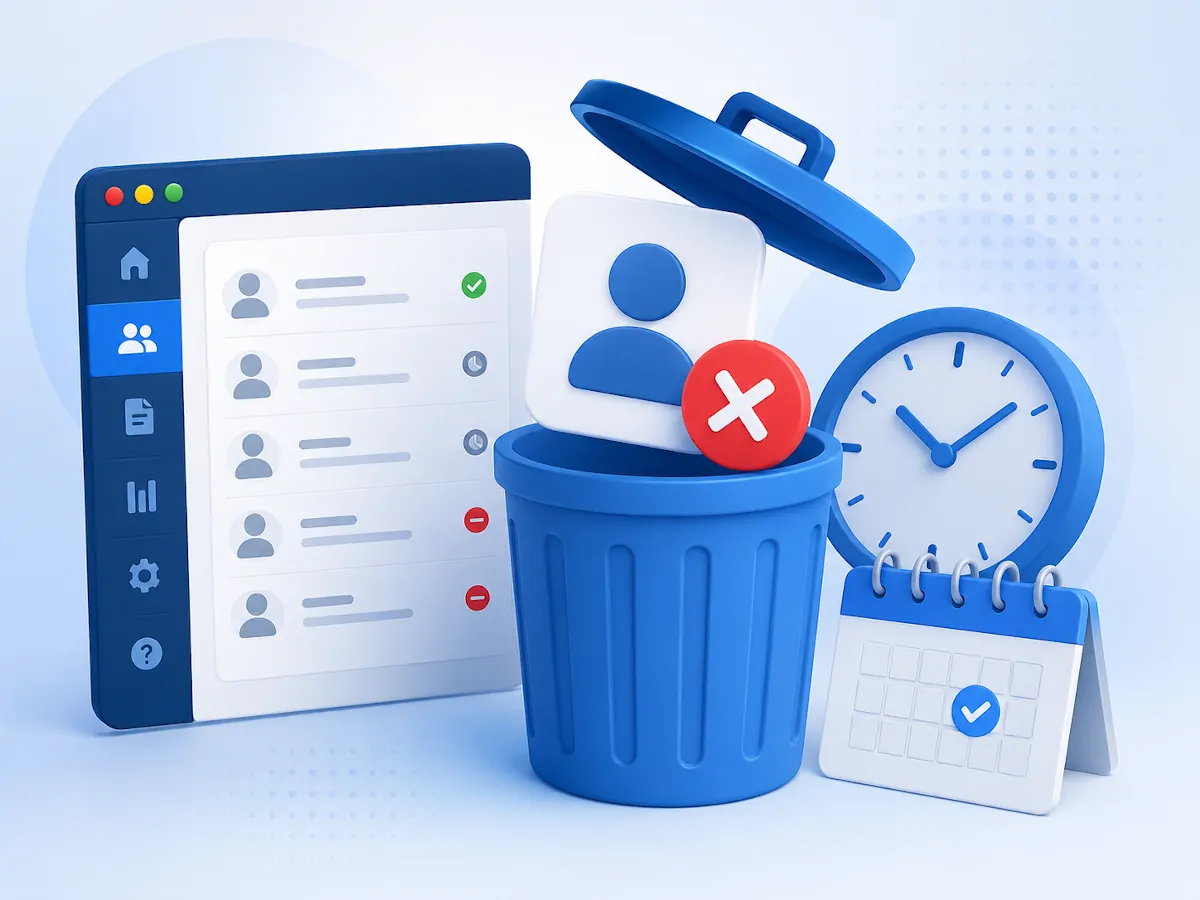
Clean up user accounts automatically and reliably
Unactivated, unused or long-inactive user accounts can accumulate in a Joomla installation over time.
Quick User Cleaner regularly checks these accounts and automatically deletes matching users according to the conditions you define.
You decide which accounts should be included, which time period should apply and whether the deletion should first be simulated or actually performed.
This keeps your user management organized and saves you from repeatedly checking individual accounts manually.
Automatically remove typical unused user accounts
Quick User Cleaner is designed for clearly defined cleanup tasks within Joomla user management.
Unactivated accounts
Remove users who have not confirmed their registration within a defined period.
Users who have never logged in
Delete accounts that have never completed a successful login after registration.
Long-inactive accounts
Clean up user accounts that have not logged in to the website for an extended period.
Spam registrations
Reduce accumulated accounts that were never activated for normal use.
Membership websites
Remove old or unused user accounts after a consistently defined period.
Regular maintenance
Automate a task that would otherwise need to be performed manually on a regular basis.

Define criteria and time periods directly in the plugin
Quick User Cleaner is configured directly through the Joomla plugin manager.
Select the desired user accounts, define the time period and choose whether the cleanup should run in Test mode or Live mode.
- Select the user accounts to be checked
- Define the cleanup period
- Use Test mode or Live mode
- Start processing automatically
- Configure notifications

Check the results first, then delete automatically
Test mode shows which users would match the selected settings without actually deleting the accounts.
Once you have reviewed the result, you can enable Live mode and allow the cleanup to run automatically.
Set up automatic user cleanup in just a few steps
The configuration is completed entirely in the Joomla backend.
After setup, the plugin checks user accounts according to the selected criteria and performs the configured cleanup.
Install Quick User Cleaner through the Joomla extension manager.
Define which user accounts should be checked.
Specify the account age or inactivity period after which a user should be included.
Review the results in Test mode first and then enable automatic deletion.
Less manual work in Joomla user management
Quick User Cleaner automates a regularly recurring maintenance task.
Automatic deletion
Matching user accounts are removed automatically according to your settings.
Flexible time periods
Define when an account should be included in the cleanup.
Test mode
Review affected users before an actual deletion is performed.
Automatic execution
Account checks and cleanup can run without a manual start.
Notifications
Inform administrators or affected users about the completed cleanup.
Organized user accounts
Outdated or unused user accounts do not accumulate permanently.
Quick User Cleaner features
The Pro Version extends the basic cleanup functionality with additional control and notification features.
Automatic deletion
Deletes matching user accounts according to the defined conditions.
Select account types
Define which types of user accounts should be checked.
Define time periods
Set individual periods for automatic cleanup.
Test mode
Displays affected accounts without modifying Joomla user management.
Live mode
Performs the configured deletion automatically.
Notifications
Optionally sends notifications to administrators or affected users.
Choose the version that fits your needs
Use the Free Version for basic cleanup tasks or choose the Pro Version for additional features and premium support.
Advanced user management with Smart User Manager
Quick User Cleaner is the simple solution for automatically deleting inactive or unactivated user accounts according to fixed criteria.
If you need multiple rules, freely combinable conditions, different actions, multilingual email templates, logs or targeted exclusions, Smart User Manager is the more suitable extension.
- Create multiple independent rules
- Combine different conditions
- Notify, block or delete users
- Simulation mode and detailed logs
- Exclude individual users and user groups
System requirements
Before installation, check whether your website meets the required conditions.
Download Quick User Cleaner for free
Use the basic cleanup features free of charge on your Joomla website.
Included in the Free Version
- Free plugin version
- Automatic user cleanup
- Selection of different account types
- Configurable time periods
- Updates for the Free Version
- Usage under the GNU/GPL
More control with Test mode and notifications
Use the extended feature set and receive updates and premium support while your license is active.
All features, updates and premium support for one year.
Buy Pro VersionIncluded in the Pro Version
- All Pro Version features
- Test mode for previewing affected accounts
- Live mode for automatic deletion
- Notifications for administrators
- Notifications for deleted users
- One year of downloads and updates
- One year of premium support
Questions and answers
What does Quick User Cleaner do?
The plugin checks Joomla user accounts according to defined criteria and automatically deletes matching accounts after a specified period.
Which user accounts can be deleted?
Depending on the configuration, the plugin can process unactivated accounts, users who have never logged in or accounts that have been inactive for a long time.
Can I review users before they are deleted?
In the Pro Version, you can use Test mode to preview affected accounts without performing an actual deletion.
Are users notified automatically?
The Pro Version can send notifications to administrators and affected users.
What is the difference between Quick User Cleaner and Smart User Manager?
Quick User Cleaner focuses on automatically deleting user accounts according to defined criteria.
Smart User Manager supports multiple rules, combined conditions, additional actions, multilingual email templates, logs and extensive protection mechanisms.
What is the difference between the Free and Pro Versions?
The Free Version includes the basic cleanup features. The Pro Version adds features such as Test mode, notifications and premium support.
Can I use the extension on multiple websites?
Yes. Under the GNU/GPL, the extension may be installed on any number of websites. Downloads, updates and premium support are available with an active Pro license.
Version history
Adjustments for current Joomla versions and improvements to user cleanup.
Adjustments for current Joomla versions.
Automatically clean up old and inactive user accounts
Save time managing Joomla users and automatically remove matching accounts according to your settings.